
You just closed the deal. The contract is signed. The notification from Stripe pops up, payment received.
That’s the high. It feels great.
But then, the "post-sale slump" hits.
Your inbox starts filling up. The client is asking what’s next. You’re scrambling to find that one specific PDF. You realize you forgot to send the intake form. Your team is pinging you asking who is responsible for the kickoff call.
This is the messy middle.
It’s the chaotic gap between "Yes, let's work together" and actually delivering results. If you don't fix this, you don't just lose time, you lose trust.
A bad onboarding experience is the fastest way to trigger buyer's remorse. Clients want to feel taken care of immediately. They want to know they made the right choice.
If you're still doing this manually, you're capped. You can't scale. You're trading your most valuable hours for admin tasks a robot could do in seconds.
I’ve spent years helping founders move from "manual mess" to "automated machine." Here is my 5-step framework to automate your client onboarding and reclaim your freedom.
1. Define Your "Aha!" Moment
Before you touch a single piece of software, you need to know the goal.
Automation for the sake of automation is a waste. You need to identify the "Aha!" moment, the point where your client feels the first bit of value.
Is it when their account is set up? Is it when they receive a personalized strategy document? Or is it simply the moment they get a clear, organized roadmap for the next 30 days?
Start with the end in mind.
Ask yourself:
- How fast can we get them from payment to the first win?
- What information do we absolutely need to start working?
- What are the top three questions every new client asks?
Your automated flow should answer those questions before they are even asked. Set clear benchmarks. Maybe your goal is to reduce "time to activation" by 50%. Or maybe it’s to eliminate manual data entry entirely.
When you define the goal, the tech becomes easy.
2. Map the Current Mess
You can’t automate a process you don't understand.
Get out a whiteboard. Use a digital tool like Miro. Or just grab a piece of paper.
Map out every single micro-step that happens after a client says "yes." Don't skip the small stuff. I’m talking about every email, every document request, and every internal notification.
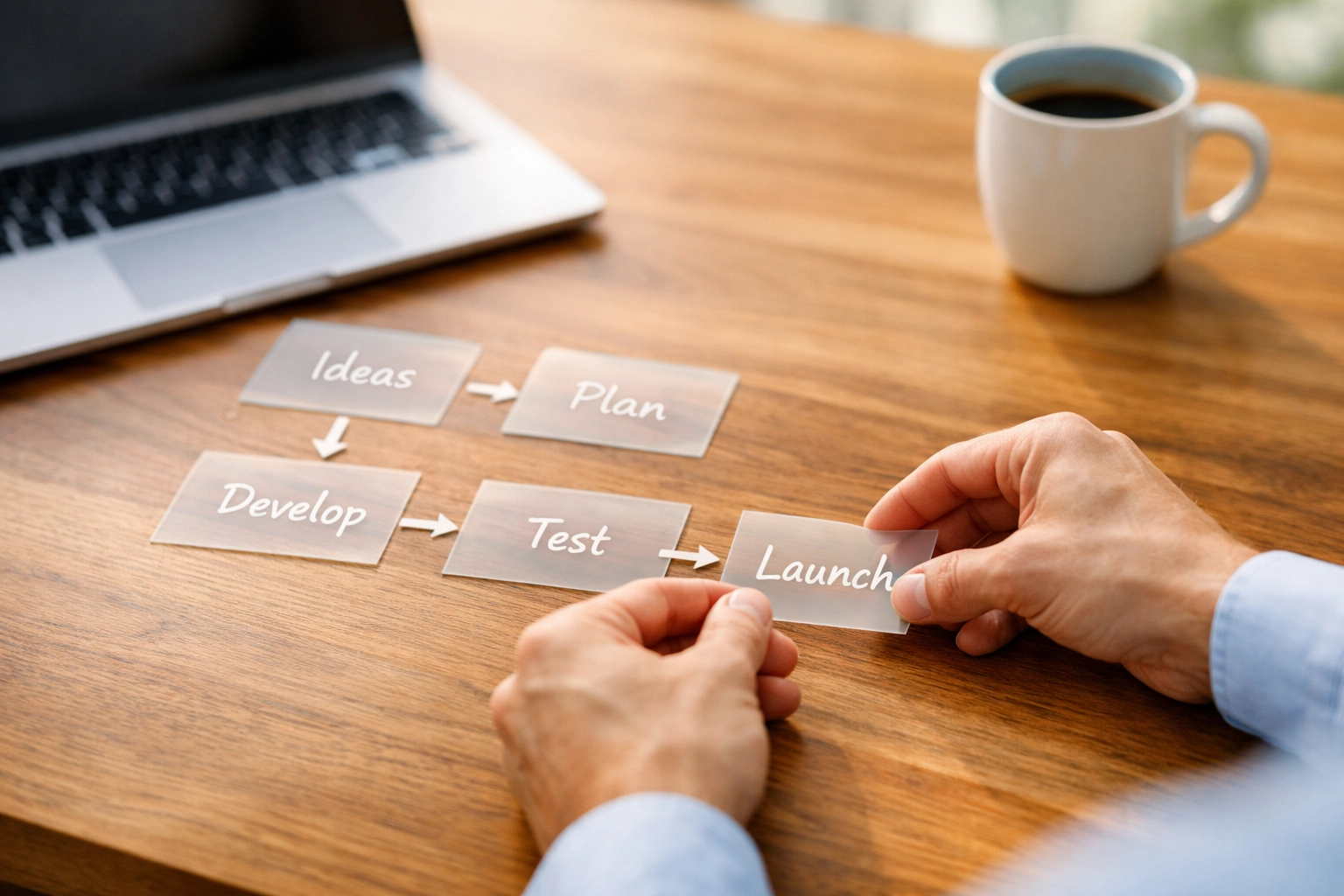
A typical manual journey looks like this:
- Send contract via email.
- Wait for signature.
- Send invoice.
- Wait for payment.
- Email the "Welcome" message manually.
- Attach the intake form.
- Follow up because they forgot the intake form.
- Book the kickoff call via back-and-forth emails.
It’s exhausting just reading that.
Once it’s mapped out, look for the bottlenecks. Where do things stall? Usually, it's where a human has to remember to send an email.
If you want to dive deeper into the mindset required to let go of these manual tasks, check out The Automation Mindset. It will help you stop micromanaging the process and start trusting the system.
3. Identify and Kill the Manual Friction
Now, look at your map. Circle the steps that are repetitive.
- Sending the same "Welcome" email 10 times a week? Automate it.
- Chasing clients for their logo or login credentials? Automate it.
- Creating a new folder in Google Drive for every client? Automate it.
The biggest friction point in onboarding is information collection.
Clients hate long, ugly forms. They hate sending documents over email. You need a centralized way to gather what you need without the "Where is that file?" game.
Use smart forms. Use logic. If a client selects "Service A," only show them questions relevant to "Service A." Don't overwhelm them.
Every manual step you remove is a gift to your future self. It’s also a better experience for the client. They want a smooth, professional process: not a string of disjointed emails from your personal account at 11 PM.
4. Assemble Your Automation Engine
Now we talk tools.
You don't need 50 different apps. You need a few core pieces that talk to each other.
- The Brain: A CRM like Orbit or a project management tool. This is where the "Source of Truth" lives.
- The Connector: Zapier or Make. This is the glue that links your apps.
- The Interface: A high-quality form builder (like Typeform or Tally) for intake.
- The Scheduler: Calendly or similar. No more "Does Tuesday work for you?"

When a payment hits Stripe, the engine should roar to life.
- Step A: Trigger a "Welcome" email with the next steps.
- Step B: Create a client profile in your CRM.
- Step C: Generate a dedicated Slack channel or Project Board.
- Step D: Send the link to the intake form.
This happens while you’re sleeping. While you’re at the gym. While you’re working on the next big deal.
If you're wondering what else you should be automating in 2026, read this breakdown of business automation trends. It’ll keep you ahead of the curve.
5. Build, Test, and Break It
Building the flow is only half the battle. You have to test it.
I don't mean "glance at it." I mean run a test client through the entire process.
- Does the email look good on mobile?
- Do the links actually work?
- Does the data from the intake form land in the right CRM field?
- What happens if the client doesn't fill out the form for 3 days?
Set up automated reminders.
If the intake form isn't finished in 48 hours, the system should send a polite nudge. Not you. The system.
"Hey [Name], just checking in! We can't start the magic until we have your details. Here’s the link again."
This keeps the project moving without you having to be the "bad guy" or the "nag."
Once the flow is solid, it becomes a repeatable asset. You aren't just "doing work": you’re building a machine that delivers a world-class experience every single time, without fail.
The "Human" Element
One warning: Don't automate the soul out of your business.
Automation handles the logistics. You handle the relationship.
Use the time you saved from chasing PDFs to send a personalized video message. Use Loom. Spend 30 seconds saying, "Hey [Name], saw you just joined. Really excited to get started on [Project]."
That 30-second video feels incredibly personal because the client knows the other stuff: the boring stuff: is already handled.
Automation buys you the time to be human.
If your marketing strategy is still a mess and you can't even get to the onboarding stage, you might need to go back to basics. Check out the Marketing Foundations Course to get your funnel right before you automate the backend.
FAQ: Client Onboarding Automation
Q: Is automation too cold for high-ticket clients?
A: Not at all. High-ticket clients value efficiency. They want to know you have a system. Professionalism is never "cold." It’s reassuring.
Q: What if my onboarding is different for every client?
A: Use "Branching Logic." Your intake form can ask a question, and based on the answer, trigger a different set of automated tasks. Most "custom" processes are 80% the same anyway. Automate the 80%.
Q: Isn't this expensive to set up?
A: It’s more expensive to pay yourself or an employee to do manual data entry. You’ll make the investment back in saved hours within the first month.
My Take
I’ve seen founders go from "I’m drowning in admin" to "I don't even look at onboarding anymore."
The difference isn't how hard they work. It's the systems they build.
Post-sale chaos is a choice. You can choose to be the bottleneck, or you can choose to be the CEO. If you’re still manually sending "Welcome" emails in 2026, you’re leaving money: and sanity: on the table.
Start small. Automate the one thing that annoys you the most. Then do the next.
Before you know it, you’ll have a business that runs while you’re off the clock. That’s the goal, isn’t it?
If you want me and my team to look at your specific setup and find the leaks, let's talk.
Stop the chaos. Start scaling.
( Patric B.)