Let's be honest: manual client onboarding sucks.
You're copying the same welcome email for the 47th time. You're chasing clients for paperwork. You're explaining the same setup process over and over. Meanwhile, your actual work piles up.
I've been there. And I'm telling you right now: client onboarding automation isn't just a nice-to-have anymore. It's survival.
The companies winning in 2026 aren't working harder. They're working smarter. They've built systems that handle the repetitive stuff while they focus on delivering actual value.
Here's everything you need to build yours.
What Client Onboarding Automation Actually Is
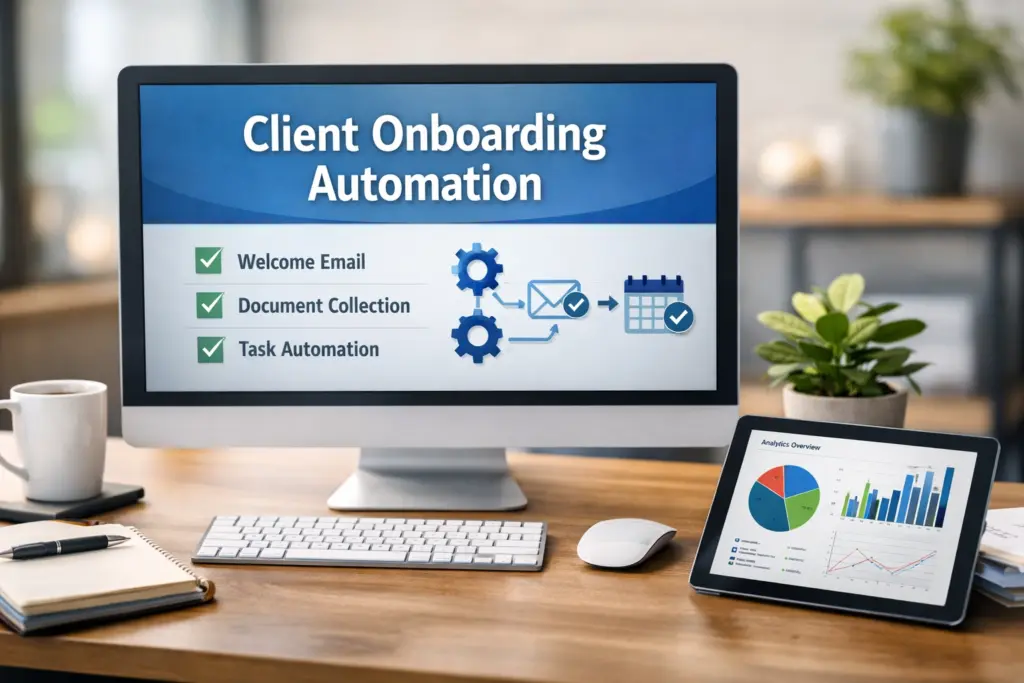
Client onboarding automation means using software to handle repetitive tasks in your onboarding process: automatically.
Think of it this way: instead of manually sending each new client a welcome email, the system does it the moment they sign. Instead of remembering to follow up, automated reminders go out on schedule. Instead of explaining the same setup steps, clients get instant access to video tutorials.
You're not removing the human touch. You're removing the human bottleneck.
The result? Your team focuses on strategic conversations. Clients get faster responses. Everyone's happier.
What You Should Actually Automate
Not everything needs automation. Some things absolutely should stay human.
Here's what should be automated:
- Initial paperwork : contracts, intake forms, digital signatures
- Welcome sequences : confirmation emails, account setup instructions
- Document requests : standardized file uploads, compliance documents
- Training materials : explainer videos, process walkthroughs, FAQs
- Status updates : milestone confirmations, progress check-ins
- Reminders : task due dates, missing information follow-ups
- Standard Q&A : chatbots for routine questions that don't need human input
What shouldn't be automated:
- First introductions and discovery calls
- Complex problem-solving conversations
- Strategic planning sessions
- Sensitive issues or conflicts
- Custom solutions requiring judgment
- High-value relationship moments
The rule is simple: automate the repeatable, keep humans for the relationship.
The Framework That Actually Works
I've built onboarding systems for dozens of businesses. The ones that succeed follow this framework:
1. Map Your Current Process
Write down every single step in your current onboarding. Every email. Every form. Every call.
Be brutally honest. Don't document what you wish happened. Document what actually happens.
2. Identify the Repetitive Tasks
Look at your list. Circle anything you do the exact same way for every client.
Those are automation candidates.
3. Build Your Trigger Points
Workflow automation for small business depends on clear triggers. These are the "if this happens" moments that kick off automation.
Common triggers:
- Contract signed → Send welcome sequence
- Day 3 after signup → Request missing documents
- Task incomplete after 48 hours → Send reminder
- Milestone reached → Trigger celebration email

4. Personalize the Automation
Here's where most people screw up. They build robotic, generic automation.
Bad: "Welcome to our service."
Good: "Hey {{FirstName}}, excited to have {{CompanyName}} on board. Here's what happens next…"
Use merge fields. Reference their specific situation. Make it feel human even though it's automated.
5. Add the Human Touchpoints
Every automated sequence needs clear points where a real person steps in.
After automated welcome emails, schedule a live kickoff call. After automated training materials, offer a Q&A session. After automated setup, have a human verify everything's working.
Business automation amplifies your team. It doesn't replace them.
Tools You Actually Need
You don't need 47 tools. You need the right 3-5.
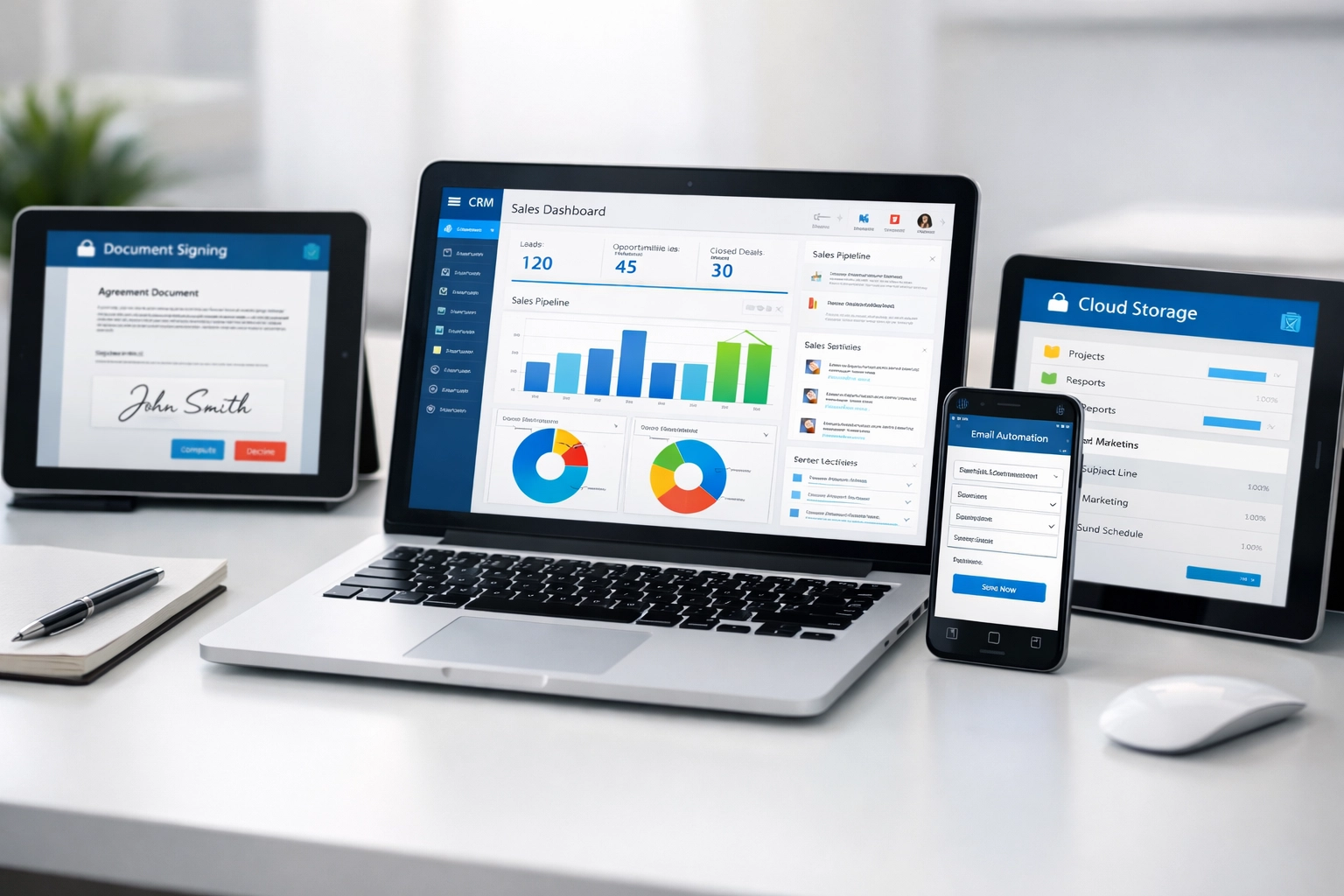
Core CRM Platform
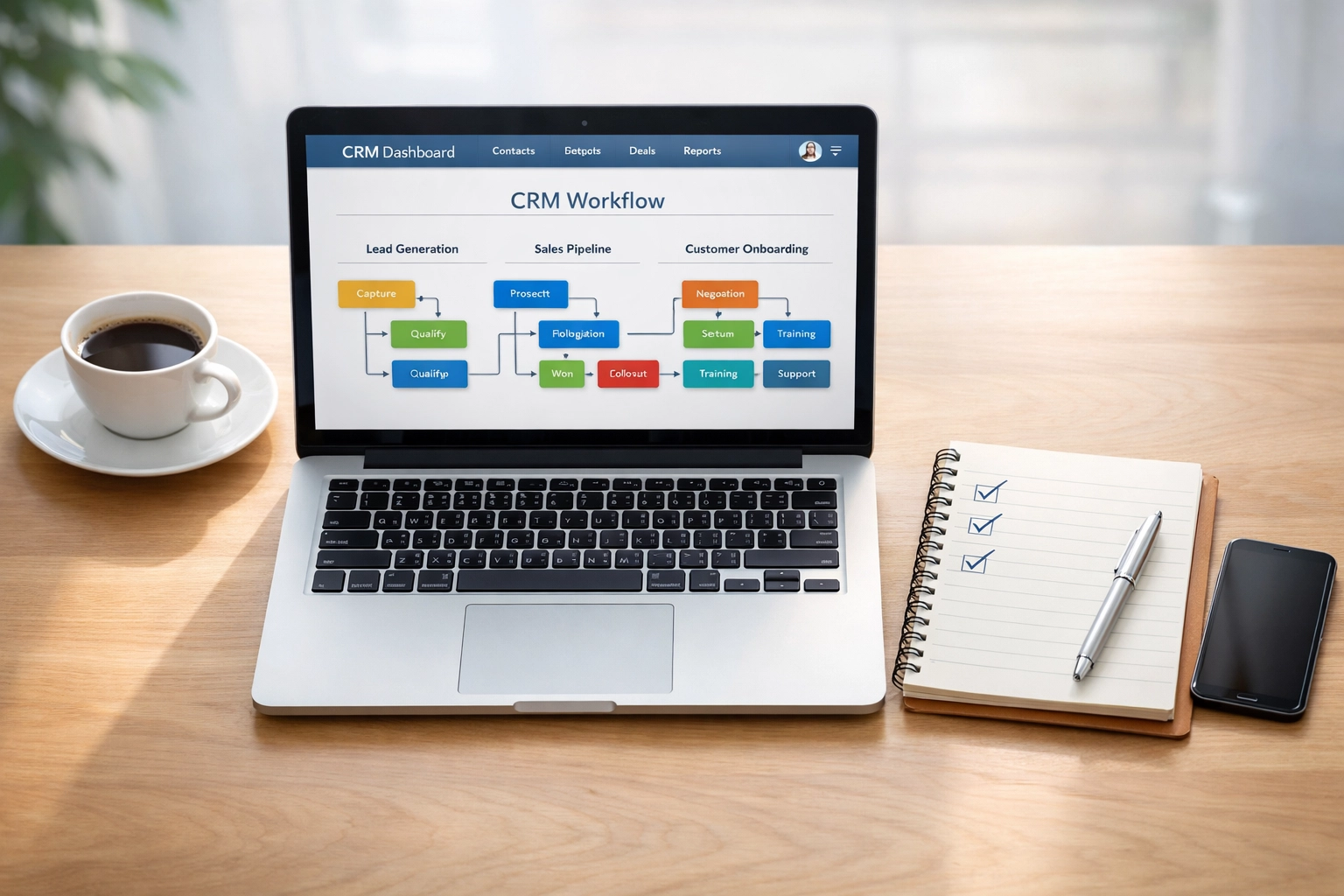
Your CRM automation hub manages everything. Popular options:
- HubSpot : Best for marketing-heavy businesses
- Salesforce : Best for enterprise teams
- Pipedrive : Best for simplicity and sales focus
Your CRM should handle contact management, email sequences, and task automation.
Electronic Signature Tool
Stop printing, signing, scanning, and emailing. Use:
- DocuSign
- PandaDoc
- HelloSign
One click. Done. Hours saved per client.
Document Storage
Centralize your files. Options:
- Google Drive
- Dropbox
- OneDrive
Make it easy for clients to find what they need without emailing you.
Email Automation
Your automated follow up system. Many CRMs include this, but standalone options exist:
- ActiveCampaign
- ConvertKit
- Mailchimp
Build sequences based on actions. Client signs contract? Day 1 email. Day 3 email. Day 7 email. All automatic.

Project Management (Optional)
For complex onboarding with multiple steps:
- Asana
- Trello
- ClickUp
Creates visibility for your team and clients.
How to Build Your Onboarding Hub
Think of your onboarding hub as mission control. Everything lives here.
What goes in your hub:
Clear Navigation : Table of contents, progress tracker, phase markers
Visual Timeline : Show clients where they are and what's next
Intake Forms : Collect all necessary data upfront
Document Library : Contracts, policies, guides, templates
Video Tutorials : Screen recordings showing exactly how to complete tasks
Checklists : Break the process into manageable steps
Contact Information : Who to reach for what, when
FAQ Section : Answer common questions before they're asked
Pro tip: Use tools like Notion, Airtable, or specialized platforms like Dock to build this.
Make it accessible. Make it clear. Make it impossible to get lost.
Common Mistakes (And How to Avoid Them)
Mistake #1: Over-Automating
I see this constantly. Someone gets excited about marketing automation and automates everything.
Result? Clients feel processed, not welcomed.
Keep humans in the loop for anything complex, sensitive, or high-value.
Mistake #2: Generic Messaging
If your automated emails could be sent to literally anyone, you've failed.
Use data. Reference their business. Mention their specific situation.
Automation should feel personal, not robotic.
Mistake #3: No Testing
You build your beautiful automated system. Launch it. Then discover half the emails aren't sending and forms are broken.
Test everything. Multiple times. Before going live.
Run through the entire process as if you're the client. Fix what's broken.
Mistake #4: Set and Forget
Workflow automation for small business requires maintenance.
Client needs change. Your service evolves. The onboarding that worked last year might suck this year.
Review your automation quarterly. Gather feedback. Make improvements.
Measuring What Matters
Track these metrics:
- Time to first value : How long until clients see results?
- Completion rate : What percentage finish onboarding?
- Support tickets : Are automated resources reducing questions?
- Client satisfaction : Survey scores after onboarding
- Team time saved : Hours recovered per client
Optimize for speed and satisfaction. Both matter.
My Take
Here's what I know after years of building onboarding systems:
The businesses that scale aren't superhuman. They just stopped doing the same tasks manually 100 times.
Client onboarding automation isn't about removing the personal touch. It's about multiplying it. When you automate the repetitive stuff, you free up time for the moments that actually build relationships.
Start small. Automate one thing this week. Maybe it's your welcome email. Maybe it's your contract process. Pick one thing that you're tired of doing manually.
Build it. Test it. Launch it.
Then move to the next thing.
In six months, you'll look back and wonder how you ever functioned without it. Your clients will move through onboarding faster. Your team will thank you. You'll have time to actually grow your business instead of just maintaining it.
That's the real win.
Want to dive deeper into business automation strategies that actually work? Check out our latest insights on what to automate in 2026 and learn how to shift your mindset from micromanaging to scaling.
Now go build your system. Your future self will thank you.