Look, I get it.
Every vendor is screaming about AI agents taking over your business. Every LinkedIn post promises "full automation" that'll eliminate your entire team.
It's exhausting.
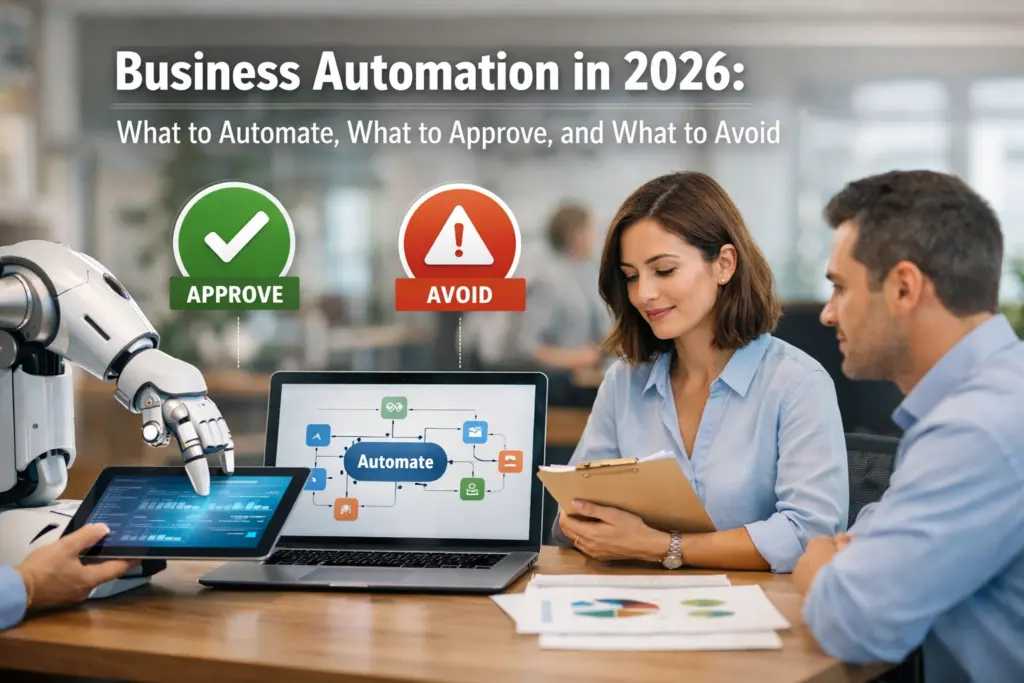
Here's the truth about automation in 2026: AI is everywhere, but the founders winning aren't the ones automating everything. They're the ones automating smart and approving strategically.
I've been setting up connected systems for overwhelmed founders for years. The pattern is always the same: they want to automate everything, burn out trying, then swing back to doing everything manually.
There's a better way.
Let me break down what actually works right now.
What to Automate (Do This Now)
These are your high-ROI, low-risk automation plays. Set them up once, they run forever.
Repetitive Admin Tasks
Your finance team is still manually processing expenses? Your HR department is copying data between systems?
Stop.
Organizations implementing proper automation are seeing 40% labor cost reductions on repetitive tasks. We're talking expense processing, invoice management, timesheet approvals: the boring stuff that takes hours every week.

These aren't "maybe someday" automations. They're table stakes in 2026.
Client Onboarding Workflows
Every new client goes through the same steps. Contract signing. Payment processing. Welcome emails. Account setup.
Why are you doing this manually?
A proper client onboarding automation:
- Triggers when someone buys
- Sends contract for e-signature
- Processes payment automatically
- Creates client record in your CRM
- Assigns tasks to your team
- Sends welcome sequence
Zero manual input required.
This is where Orbit CRM shines. It sits at the center of your client workflow, connecting your payment processor, email system, task management, and calendar: all talking to each other.
Follow-Up Sequences
You meet someone at an event. You promise to follow up. You forget.
Or worse: you remember three weeks later and send an awkward "sorry for the delay" email.
Automated follow-up handles this. Someone fills out a form? They get your follow-up sequence. Someone books a call? Reminders go out automatically. Someone doesn't show? Re-engagement sequence kicks in.
The pattern: anything you do more than twice a week should be automated.
Data Entry Between Systems
If your team is copying information from one system to another, you're bleeding time and accuracy.
Connected systems eliminate this completely. Your form tool talks to your CRM. Your CRM talks to your email platform. Your email platform talks to your project management tool.
No copying. No pasting. No errors.
This is the connected systems approach we use at Patric B.: everything flows automatically because everything's integrated properly from day one.
What to Approve (Keep Humans in the Loop)
Here's where everyone gets automation wrong in 2026.
Just because you can automate something doesn't mean you should. Some decisions need human judgment: even if AI could technically make them.

Client-Facing Communications
AI can write emails. It can draft proposals. It can even handle basic customer service.
But it shouldn't send them without your review.
Your tone. Your brand voice. Your relationship context. These matter more than speed.
Set up the automation to draft the email. Then you approve before it sends. Takes 30 seconds. Saves you 10 minutes. Still feels personal.
Strategic Decisions
AI agents can analyze data and recommend actions. They can flag opportunities. They can prioritize tasks.
They can't make strategic calls about your business direction.
Keep yourself in the approval loop for:
- Budget allocation over certain thresholds
- New partnership opportunities
- Major client communications
- Team hiring decisions
- Service offering changes
Automate the research and analysis. Approve the execution.
Quality Control Checkpoints
Your automation handles invoice processing? Great. But have a human spot-check 10% of them monthly.
Your system auto-responds to certain inquiries? Perfect. But review a sample weekly to catch edge cases.
This "approval layer" catches the 5% of situations where automation gets it wrong: before your clients notice.
Exception Handling
Most processes work 95% of the time. It's the 5% edge cases that break automation.
Someone's credit card declines. A client needs custom terms. A form submission has weird formatting.
Don't try to automate exceptions. Flag them for human review instead.
This is actually simpler: and more reliable: than building complex logic for every possible scenario.
What to Avoid (Seriously, Don't Do This)
These are the automation traps I see overwhelmed founders fall into constantly.
Full Agentic AI Without Governance
Every vendor is pushing "autonomous agents" that supposedly run your entire business.
Here's reality: Less than 15% of companies are actually deploying this stuff in 2026. Most are experimenting. Few are seeing ROI.
Why? Because autonomous agents without proper controls create chaos.
They make decisions you didn't expect. They interact with clients in ways you didn't intend. They break things you didn't know were connected.
Stick with rule-based automation where you control the logic. Use AI for assistance, not autonomy.
Over-Complicated Multi-Tool Stacks
I see this constantly: founders with 15 different tools, none of them talking to each other properly.
A form tool. An email tool. A CRM. A calendar scheduler. A payment processor. A contract system. A project manager. A reporting dashboard.
Each one is its own automation silo.
The better approach? Connected systems built around a central hub (like Orbit CRM) where everything integrates properly. Fewer tools. Better connections. Actual automation.

Automating Broken Processes
If your manual process is messy, automating it just creates a faster mess.
Before you automate anything:
- Map out the current process
- Identify bottlenecks and problems
- Fix the process first
- Then automate the clean version
Automation amplifies what you give it. Give it chaos, you get automated chaos.
Eliminating Human Touch Completely
The founders struggling in 2026 are the ones who automated themselves out of client relationships.
Your clients want efficiency. They also want to feel valued.
Balance automation with personal touchpoints:
- Automate routine updates, but personally reach out quarterly
- Automate onboarding logistics, but jump on a welcome call
- Automate invoice sending, but personally thank high-value clients
The goal isn't zero human involvement. It's strategic human involvement where it matters most.
Making This Actually Work
Here's how to implement this without overwhelming yourself:
Start with one automation. Not ten. One.
Pick your biggest time-drain. The task you do every single day that makes you think "there's got to be a better way."
Automate that. Get it working smoothly. Then move to the next one.
Build around a central hub. Every automation should connect through one system. For most founders, that's your CRM: specifically something like Orbit CRM that's built for connected workflows.
Keep approval checkpoints. Don't go full autonomous. Build in places where you review and approve before execution.
Review monthly. Your automations will need tweaking. Client needs change. Your processes evolve. Set a reminder to review your automation performance every 30 days.
My Take
The automation game in 2026 isn't about replacing yourself entirely.
It's about multiplying your best judgment while eliminating repetitive tasks that drain your energy.
I've set up hundreds of automation systems for founders. The ones who win aren't running the most complex setups. They're running the most connected setups: systems that talk to each other properly, with smart approval layers that keep them in control.
Your goal? Wake up to a business that handles routine work automatically while flagging the important decisions for your attention.
That's not a fantasy. It's completely achievable with the right approach.
Want help setting up connected systems that actually work? Reach out: I've been exactly where you are, and I know the way out.